In addition to the standard Elevate report, you can transfer the data and results, as currently displayed, to Excel by selecting View > Results Spreadsheet. Alternatively, press the  button on the Toolbar.
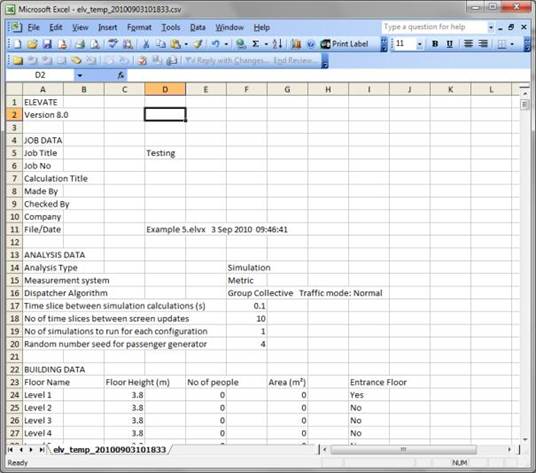
Additional results provided in the spreadsheet include:
- Up, down and total motor starts for each elevator.
- Total up and down running time for each elevator.
- Number of times dispatched from home for each elevator.
- Number of hall calls up, down and total. Average response time.
- Hall call analysis by time of day.
- Hall call analysis by floor number.
- Hall call response time distribution.
- Car call analysis by time of day.
- Car call analysis by floor number.
- Car call response time distribution.
- Passenger list – includes details of every passenger included in the simulation: time and floor of arrival, elevator used, waiting time, journey time, etc.
Was this article helpful?
That’s Great!
Thank you for your feedback
Sorry! We couldn't be helpful
Thank you for your feedback
Feedback sent
We appreciate your effort and will try to fix the article