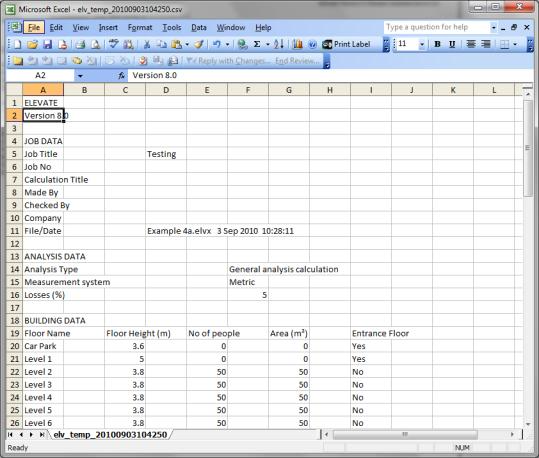
In addition to the standard Elevate report, you can transfer the data and results—as currently displayed—to Excel by selecting View > Results Spreadsheet. Alternatively, press the  button on the Toolbar.
If you use a spreadsheet application other than Excel and want to use this spreadsheet export facility, please contact Technical Support.
Was this article helpful?
That’s Great!
Thank you for your feedback
Sorry! We couldn't be helpful
Thank you for your feedback
Feedback sent
We appreciate your effort and will try to fix the article