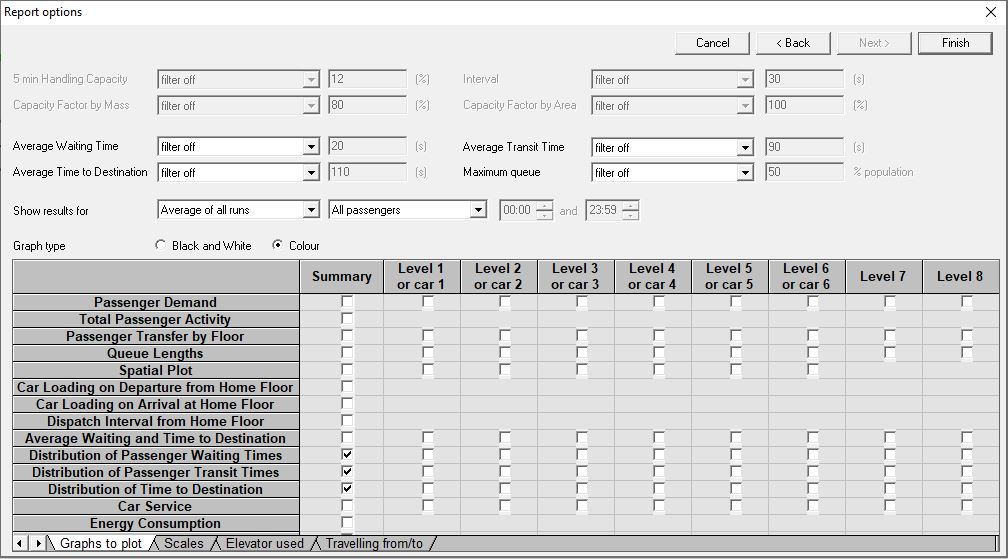
You can access Report Options by selecting Edit > Report Options, or by clicking the  button on the Toolbar.
Report Options allow you to control the results and graphs that appear in the Elevate standard reports.
You can modify all the settings in the Report Options dialog and immediately regenerate the report without re-running the analysis.
When satisfied with your selections, print the report as usual.
Was this article helpful?
That’s Great!
Thank you for your feedback
Sorry! We couldn't be helpful
Thank you for your feedback
Feedback sent
We appreciate your effort and will try to fix the article