You can access Job Data by selecting Edit, Job Data, or by pressing the  button on the Toolbar.
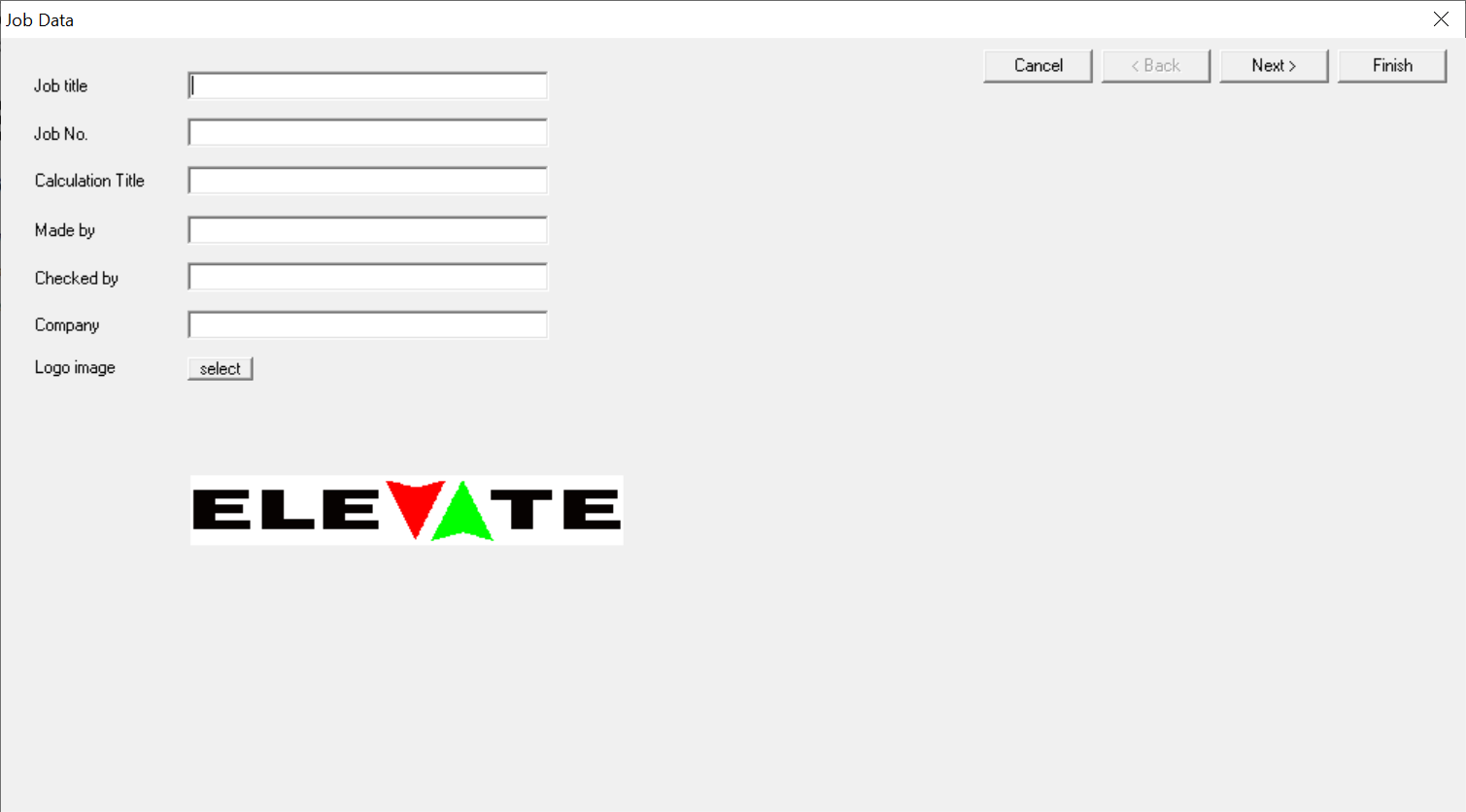
Job data allows you to record details of the project and who has performed the calculations. This information, together with the date and document name, is included in the header of all Elevate printouts.
By default, the Elevate logo will be displayed on the top right of printouts. If you prefer to use your own logo image file, click on the select button to choose any bitmap, JPEG or GIF available from your computer. For best results use a logo with a similar aspect ratio to the Elevate logo. If your logo looks very small on the printouts, this is because the image file is larger than the logo itself. To solve this, resize the image file to have a minimal border using a program such as Windows Paint. If you want your logo to be loaded every time you start a new Elevate document, refer to Choosing your own default data.
Was this article helpful?
That’s Great!
Thank you for your feedback
Sorry! We couldn't be helpful
Thank you for your feedback
Feedback sent
We appreciate your effort and will try to fix the article